
How to Add a Translation Device
In the Im Mate app, tap + to add a device and choose the Wi-Fi network for the translator. Once connected, it shows up on the app home screen.
Updated Oct 27, 2026
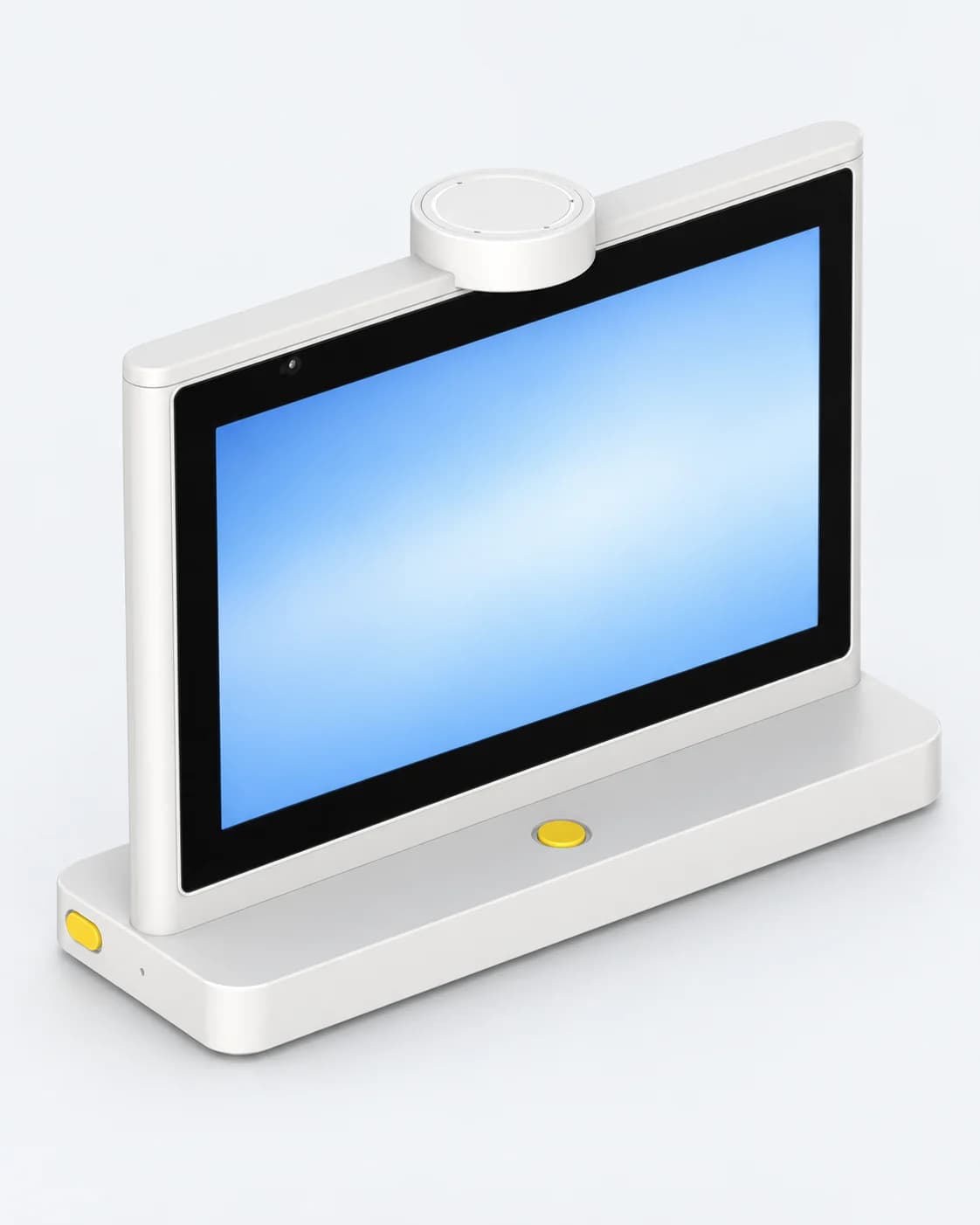
T10 Max
Where language barriers disappear
A desktop dual-screen AI translator. Two 10-inch HD screens, one for each person, translate as you speak. Built for smart hotels, trading companies, transport and tourism, airports and other international venues.
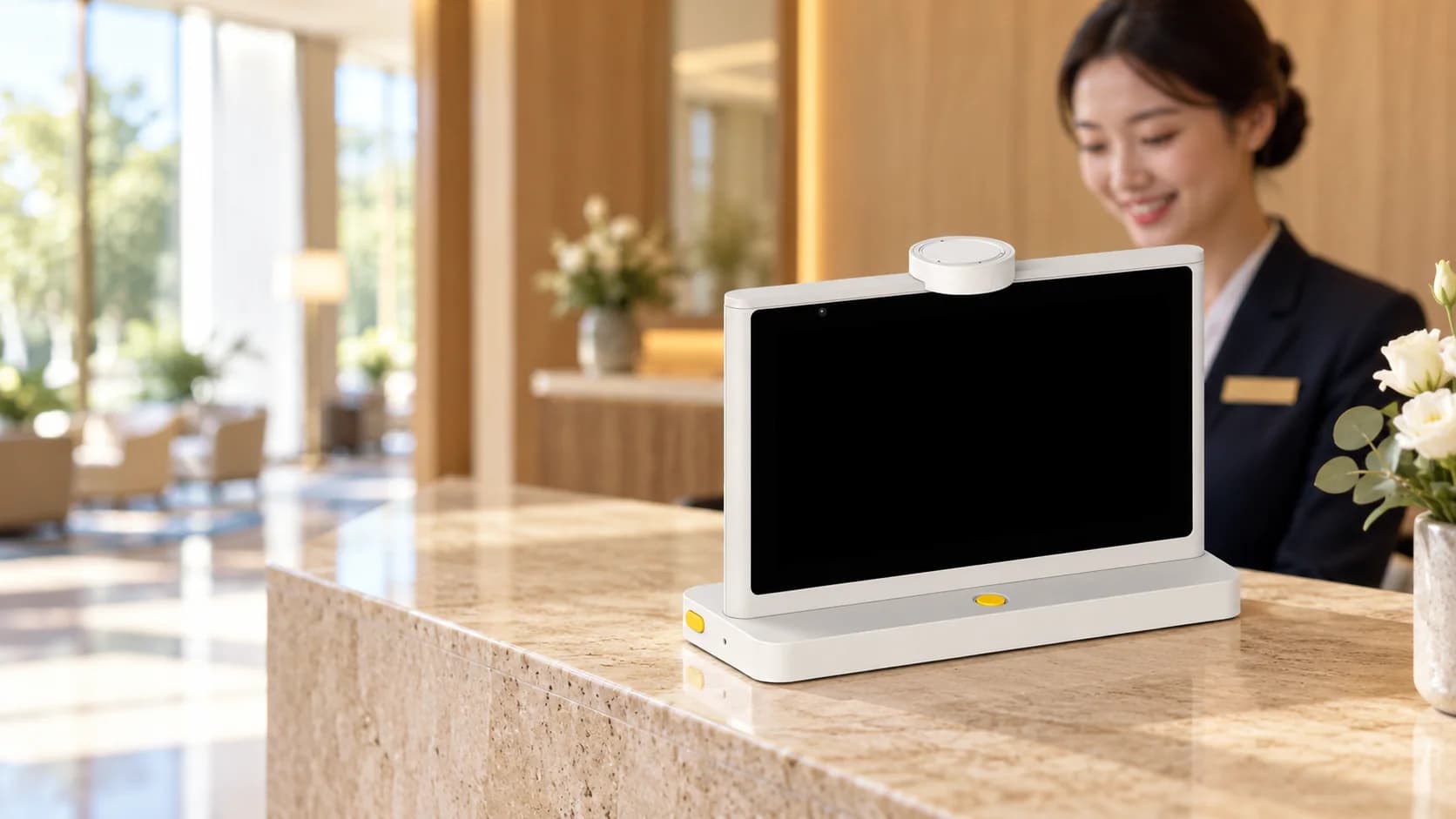
Two 10-inch HD LCDs, one for each person. Speak and it translates; connect and go.
Dual 10-inch HD LCDs
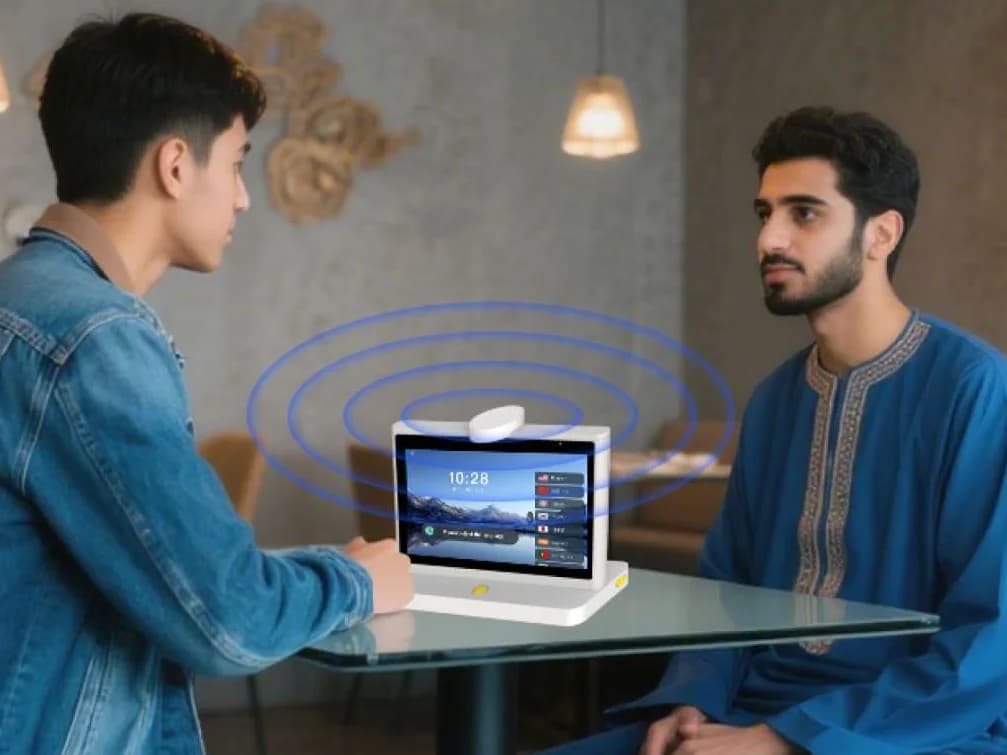
Real-time translation between 70 languages, including English, Chinese, Japanese, Korean, Arabic, Russian, Spanish, French and German. Use it in shops, at front desks, in hospitals and in meetings.
Many settings

Two digital noise-reducing mic arrays pick up speech in noisy places.
2 noise-cancelling mic arrays

Add an image knowledge base to bring up pictures during a conversation. In robot mode, it translates and answers users' questions on its own.
Robot mode
The T10 Max is the Im Mate desktop dual-screen AI translator, built so language is no longer a barrier. Two 10-inch HD LCDs give each person their own screen. Speak and it translates; connect it to the internet and it is ready to go.
English, Simplified Chinese, Traditional Chinese, Cantonese, Japanese, Korean, Arabic, Spanish, Russian, Portuguese, Turkish, French, German, Italian, Polish, Hausa, Indonesian, Vietnamese, Thai, Malay, Filipino, Hindi, Bengali, Czech, Tamil, Ukrainian, Kazakh, Uzbek, Urdu, Mongolian, Swahili, Greek, Persian, Dutch, Swedish, Romanian, Bulgarian, Uyghur, Tibetan, Kyrgyz, Tajik, Turkmen, Armenian, Azerbaijani, Bosnian, Croatian, Danish, Estonian, Finnish, Hebrew, Hungarian, Icelandic, Latvian, Lithuanian, Macedonian, Nepali, Norwegian, Serbian, Slovak, Slovenian, Irish, Georgian, Khmer, Lao, Maltese, Burmese, Somali, Punjabi, Albanian, Zulu, Amharic, Dominican Spanish, Afrikaans and Catalan.
In the Im Mate app, tap + to add a device and choose the Wi-Fi network for the translator. Once connected, it shows up on the app home screen.
Updated Oct 27, 2026
After a conversation, open the Im Mate app to see the translation history and generate a summary from a template. Picked the wrong template? Generate it again.
Updated Oct 27, 2026
Pick the scenario that matches your use, such as hotels and dining or transport and travel, for more accurate translation. The translator works without one too.
Updated Oct 27, 2026
The T10 Max translates in real time between 70 languages, including English, Simplified and Traditional Chinese, Cantonese, Japanese, Korean, Arabic, Spanish, Russian, French and German. See the T10 Max page for the full list. Connect it to the internet and start talking.