Skip to content
Shenzhen Cylan Technology Co., Ltd.
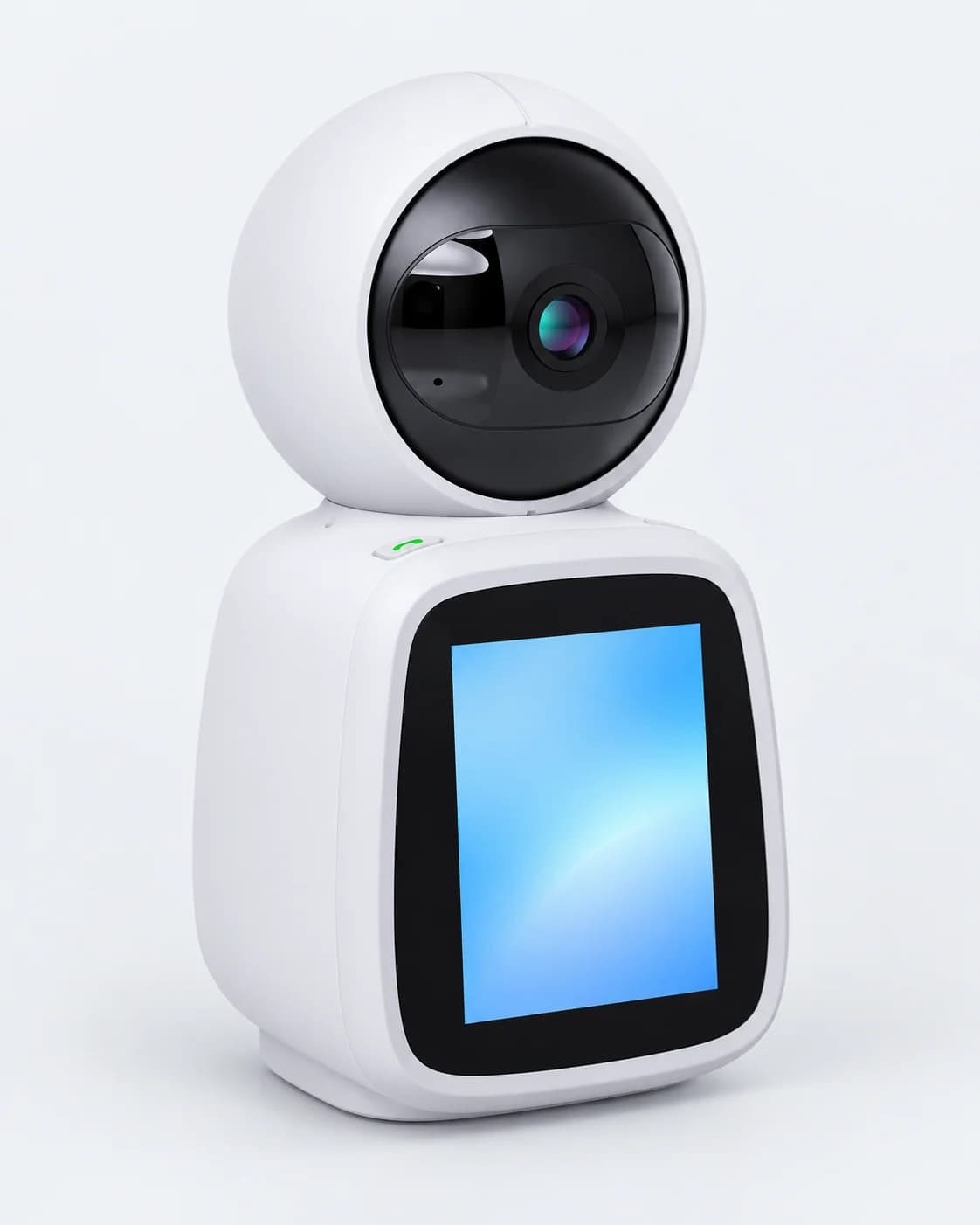
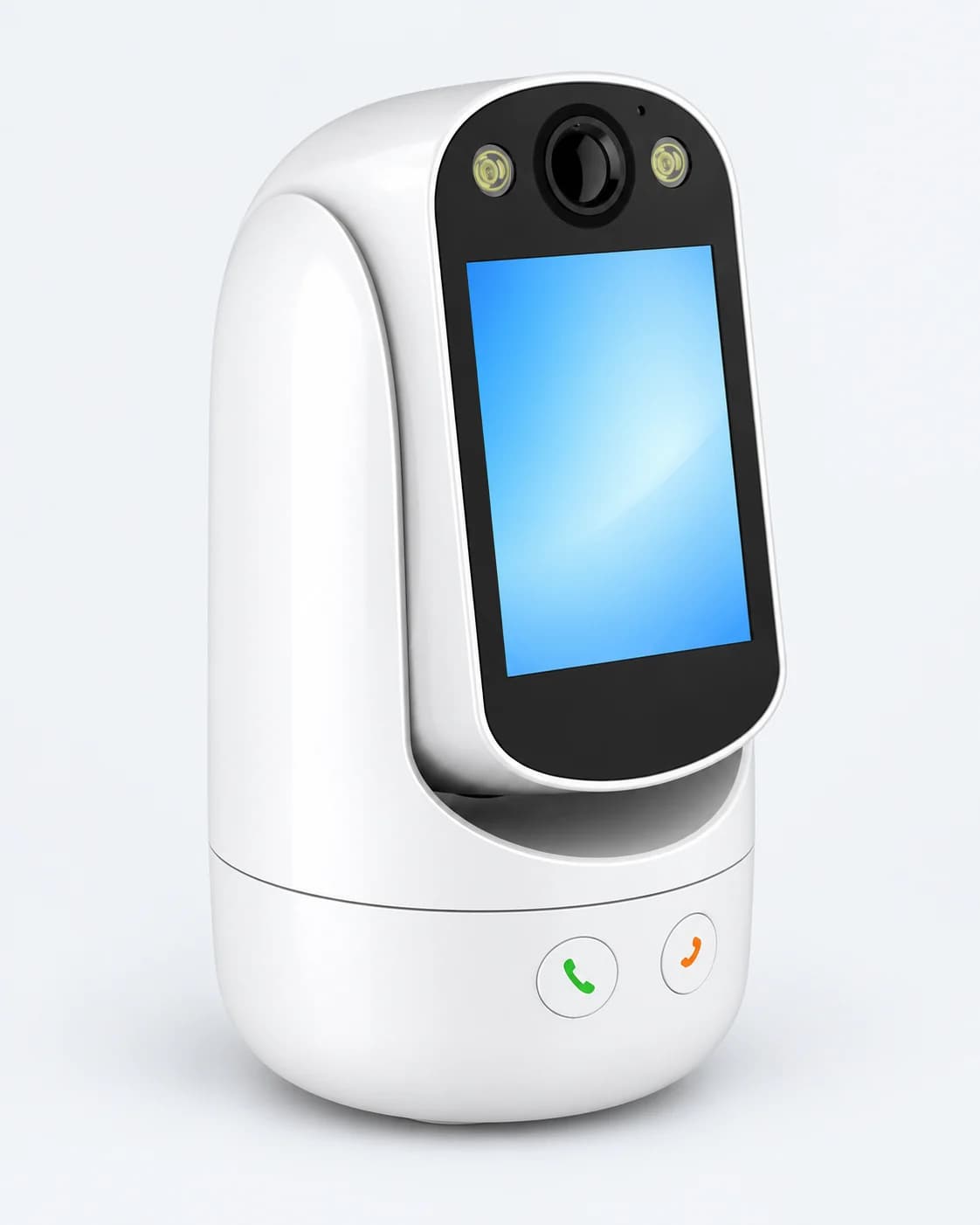
IM CAM video call camera C31-WX

C31-WX

IM CAM Video Call Camera C31-WX

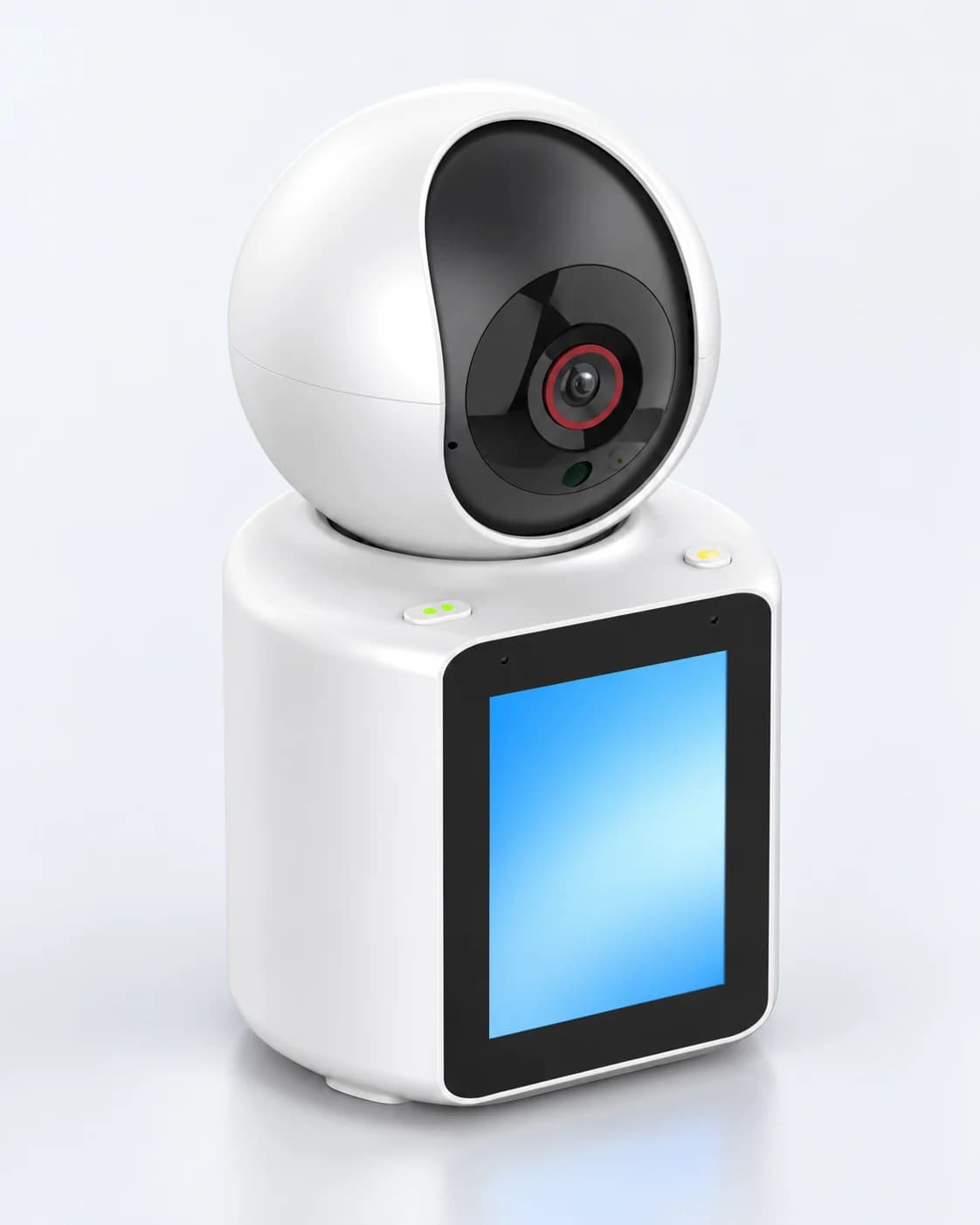
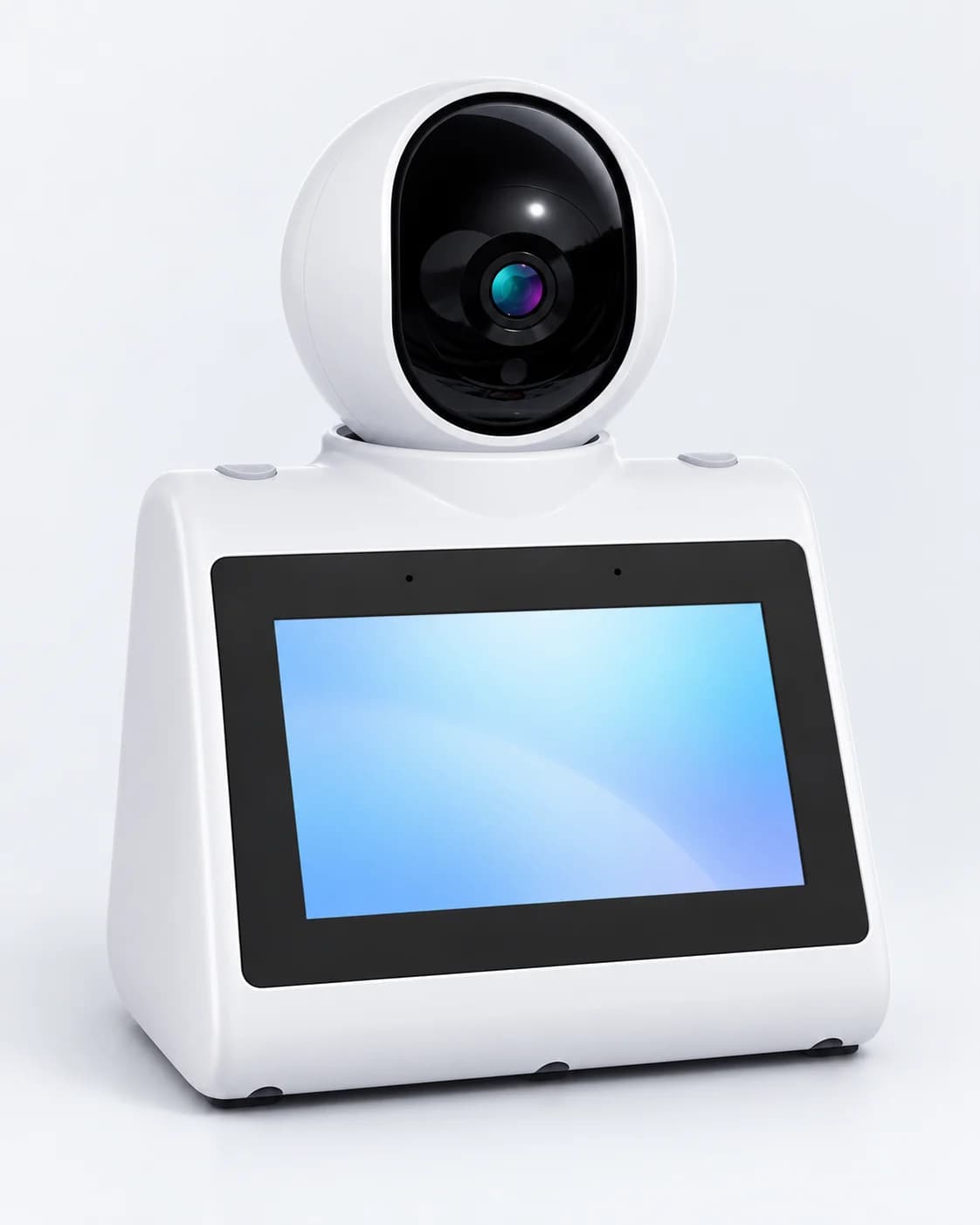
Video call smart camera

IM CAM video call smart camera, model C31-WX.

Specifications

Model
C31-WX

Related videos

All videos
  • Tencent Cloud WeCall (TWeCall) Device Call Demonstration

    When the camera calls a phone, WeChat shows an incoming call alert. You can also call the camera from the WeChat Mini Program.

    Updated Oct 27, 2026
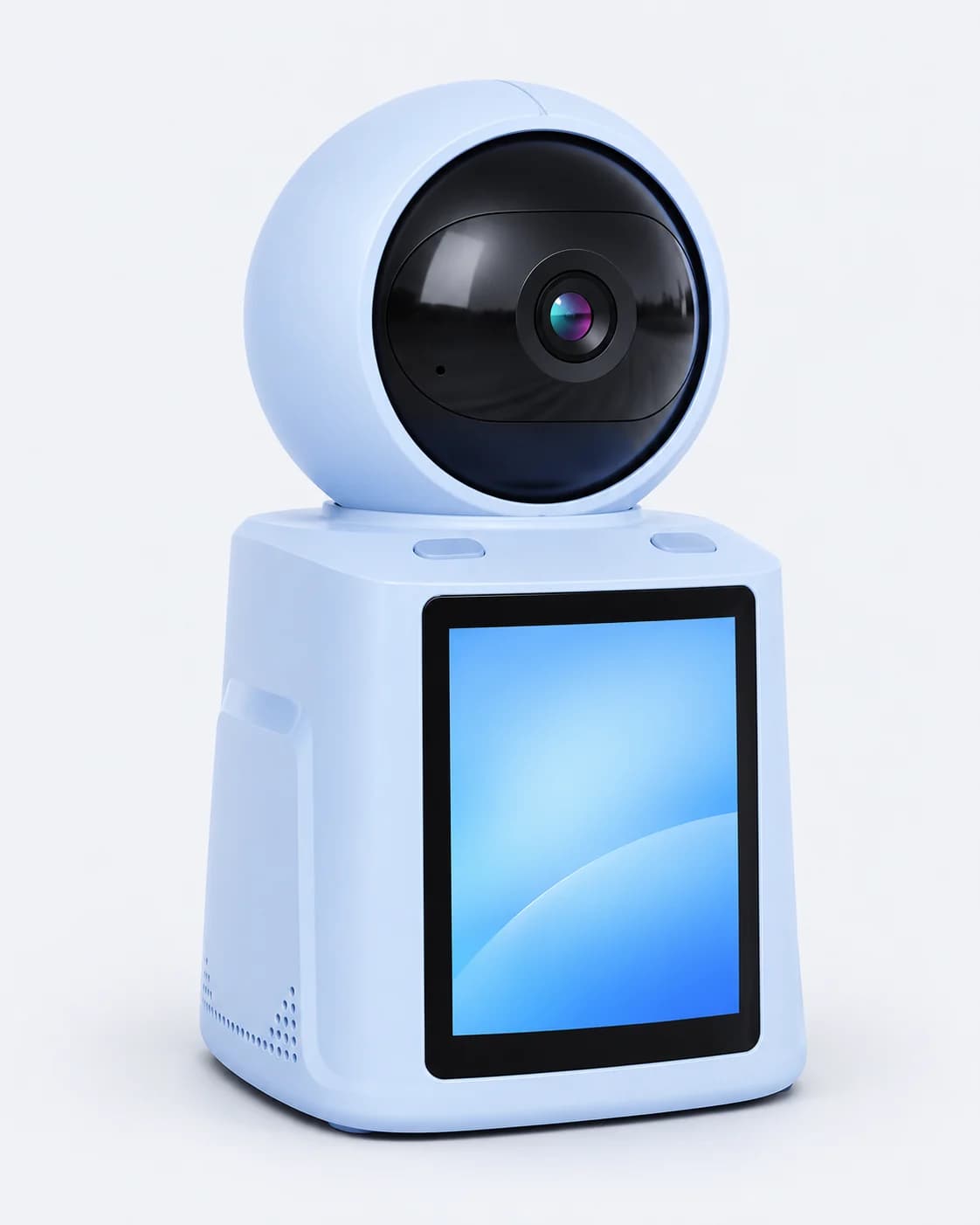
  • Device-to-Device Call Demonstration

    One camera calls another at the press of a button; once answered, the two devices are on a video call.

    Updated Oct 27, 2026

  • Two-Way Video Call Demonstration

    Press the call button on the camera; once the phone answers, both sides are on a video call.

    Updated Oct 27, 2026

Related questions

All questions

What if device binding fails?

If binding fails, try the following:

  1. When entering the Wi-Fi password, choose an available network and enter the correct password.
  2. The device only supports 2.4 GHz networks. Do not choose a 5 GHz network.
  3. Make sure the Wi-Fi network you set up can reach the internet.

What if Bluetooth can't find the device?

If Bluetooth can't find the device, check these two things:
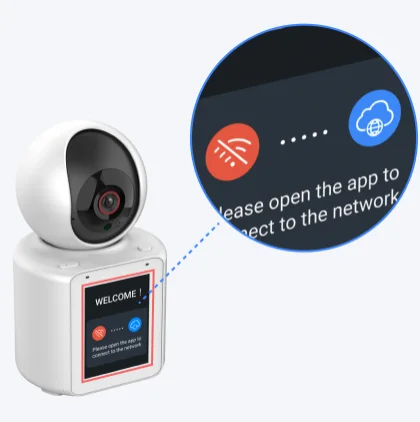
  1. Bluetooth is turned on on your phone.
  2. The device screen is in pairing mode, as shown below.

The device screen in pairing mode

What if the device goes offline?

If the device goes offline, check the following:
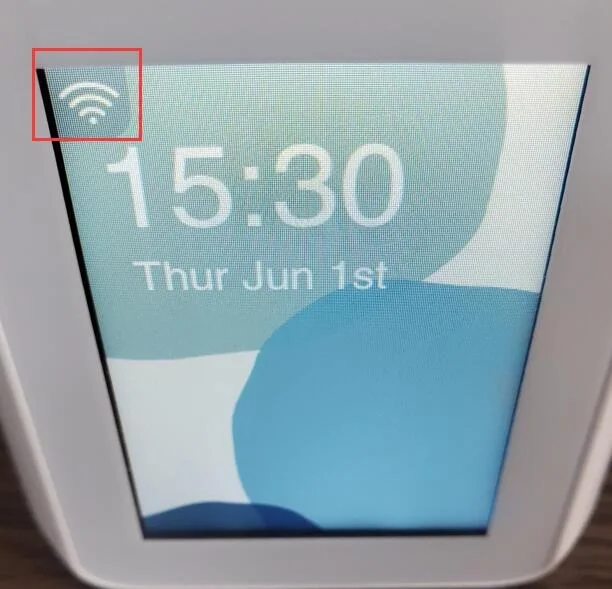
  1. Check that the device has a strong Wi-Fi signal. If the signal is weak, move the device closer to the router.

The Wi-Fi signal icon in the top-left corner of the device screen

  1. Check that the Wi-Fi network the device is on has a stable internet connection.
  2. The device only supports 2.4 GHz networks. Do not choose a 5 GHz network.
  3. Check the power cord and adapter. If they don't match, the device may lose power and disconnect often.

What if device alarm messages aren't pushed?

Missing alarm messages usually means motion detection, alarm notifications in the app, or your phone's notification permission is turned off. Check these three things:
  1. To get motion alarm messages, make sure the device's [Settings] - [Motion Detection Settings] - [Motion Detection Switch] is on in the app. Motion alarms are only pushed when it's on.
  2. If you've allowed the app to send notifications, check that [Device Alarm Notifications] is on under [Messages] - [Settings] (top right) in the app. If it's off, no messages are pushed.
  3. On Android, check under [My] - [Video Call Settings] in the app that notifications are allowed. On iPhone, allow notifications for the app in system settings.