
Communicate and protect,
anytime, anywhere
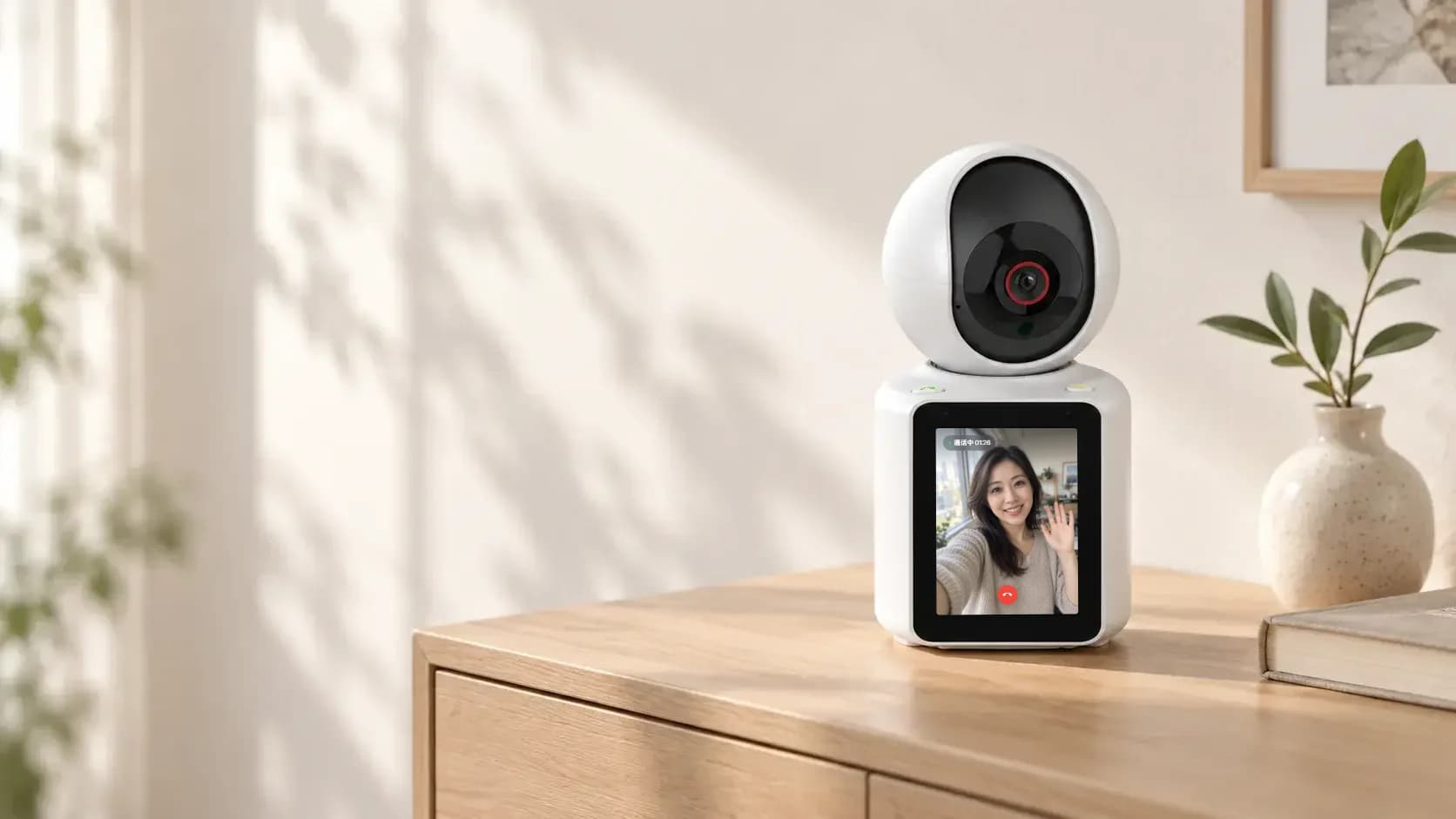
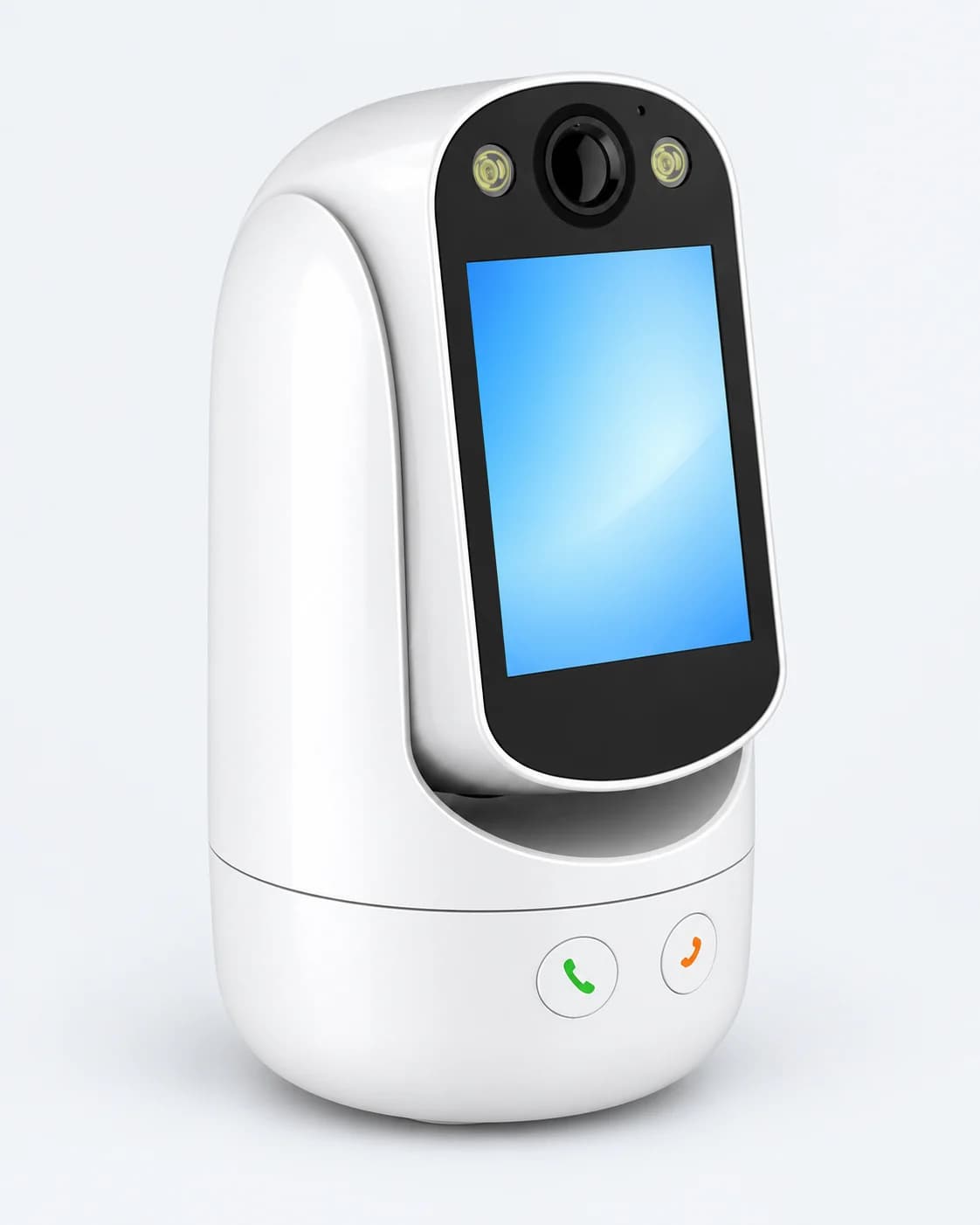
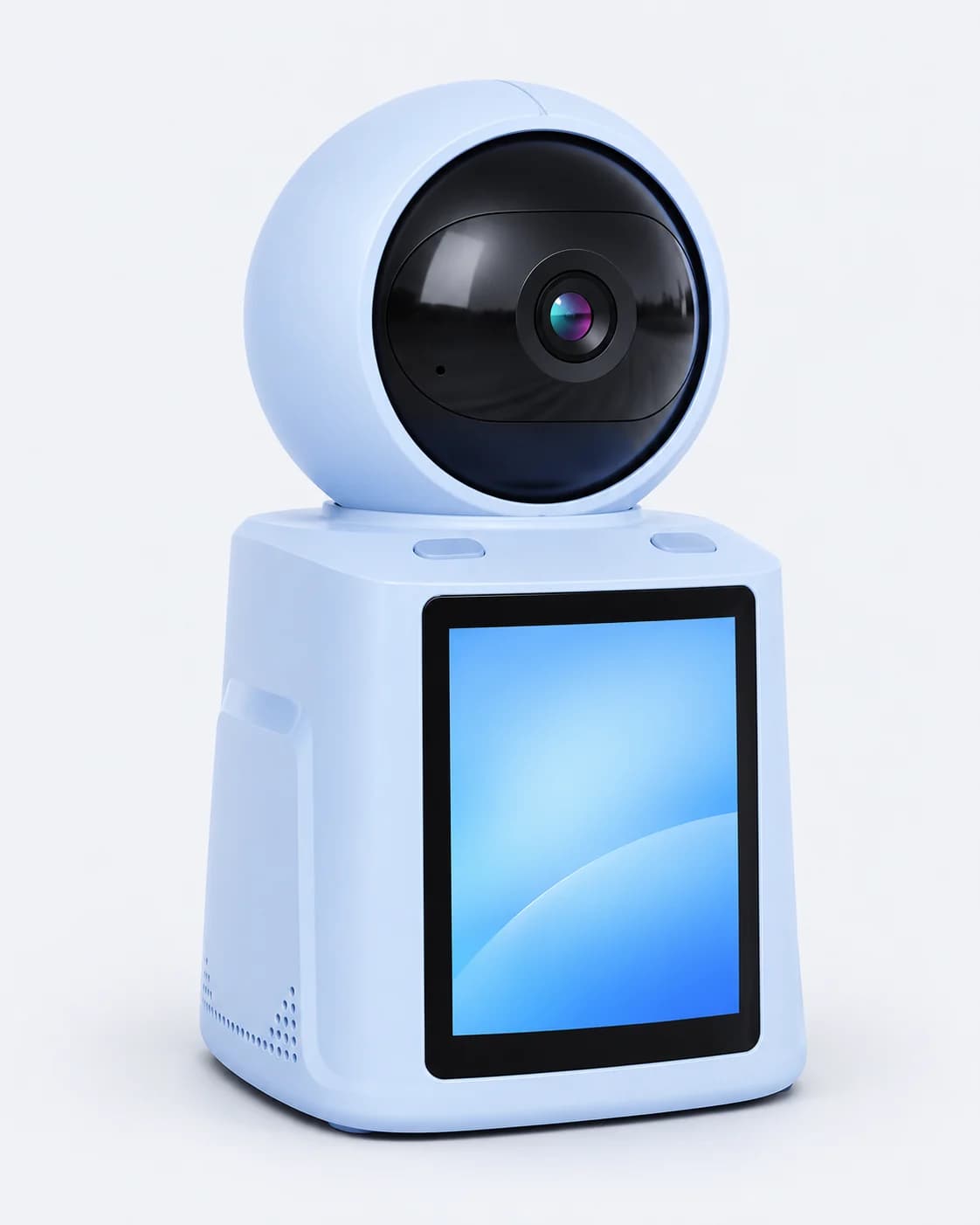
IM CAM video call smart cameras: one-touch calling and two-way video, with smart human detection, HD infrared night vision and alarm push.

Find the right one
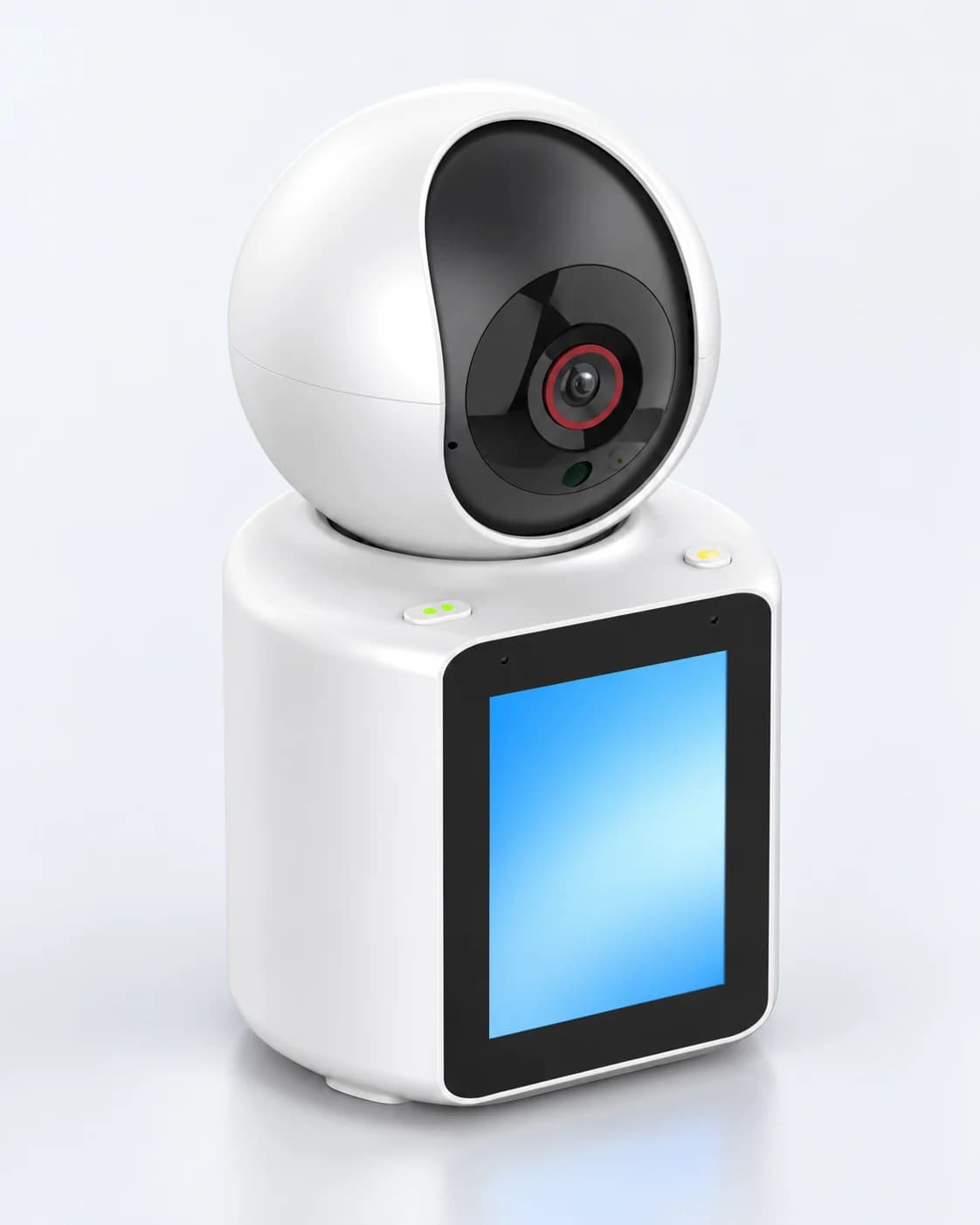
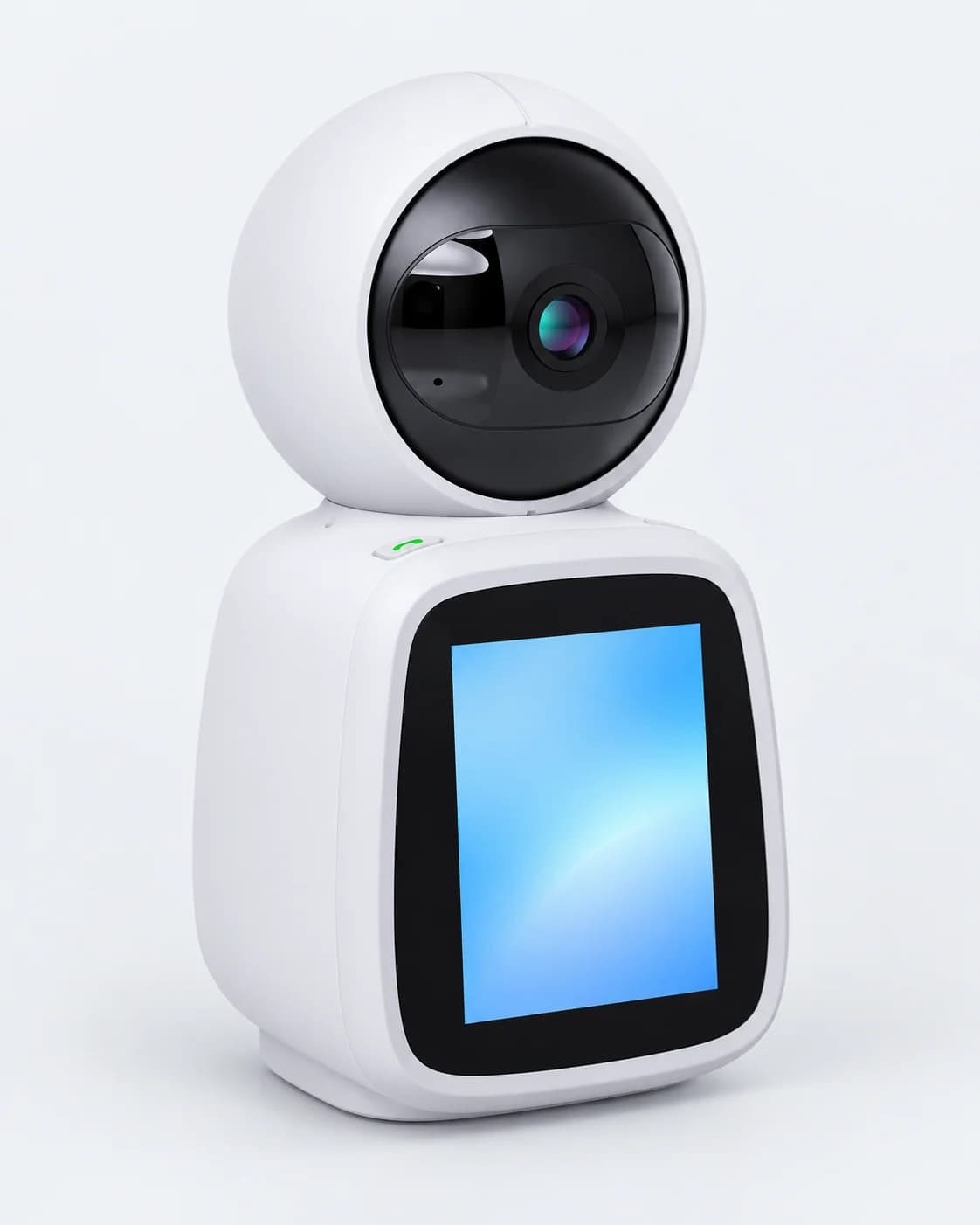
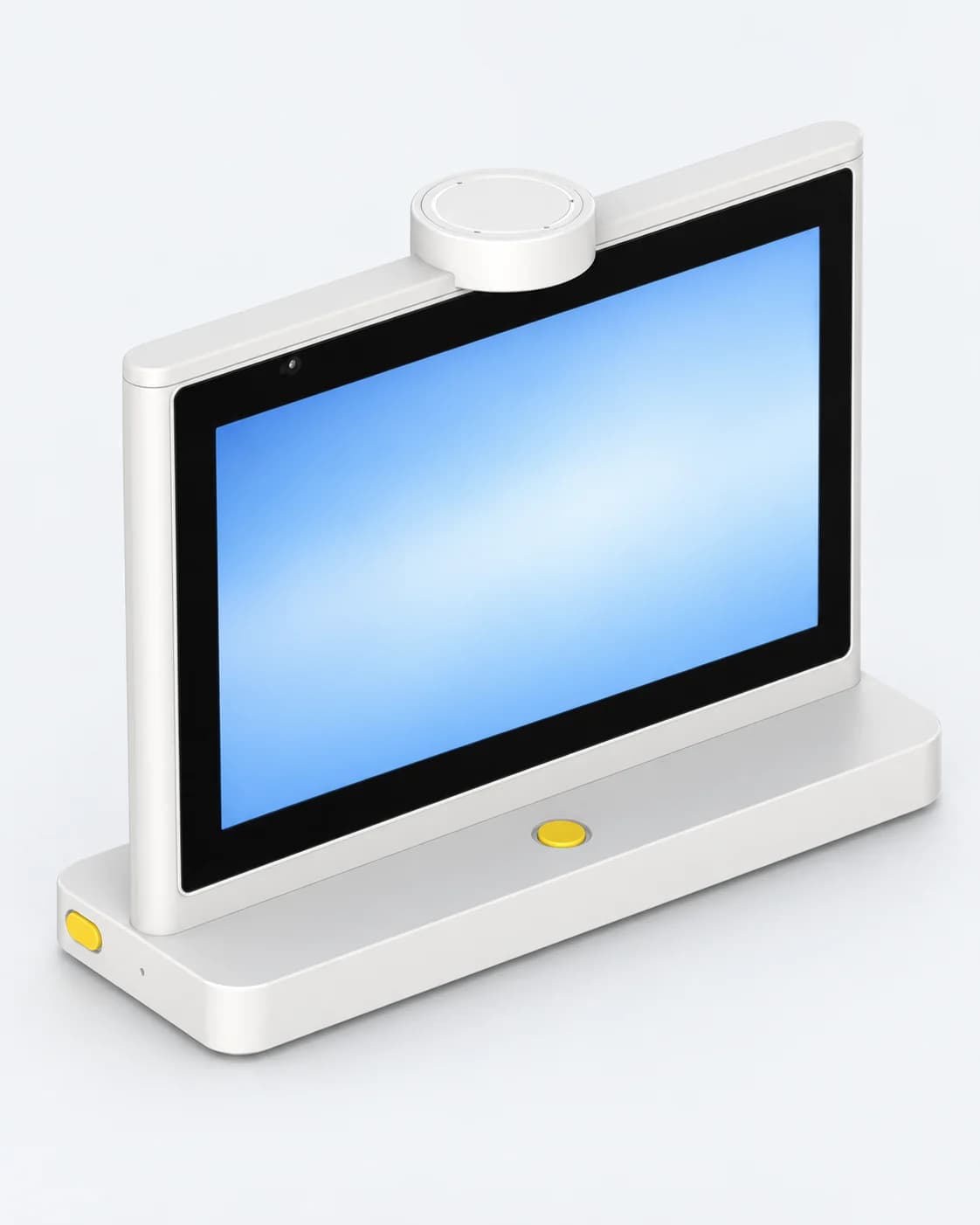
IM CAM video call smart cameras and desktop dual-screen AI translators.
IM CAM smart cameras
5 models
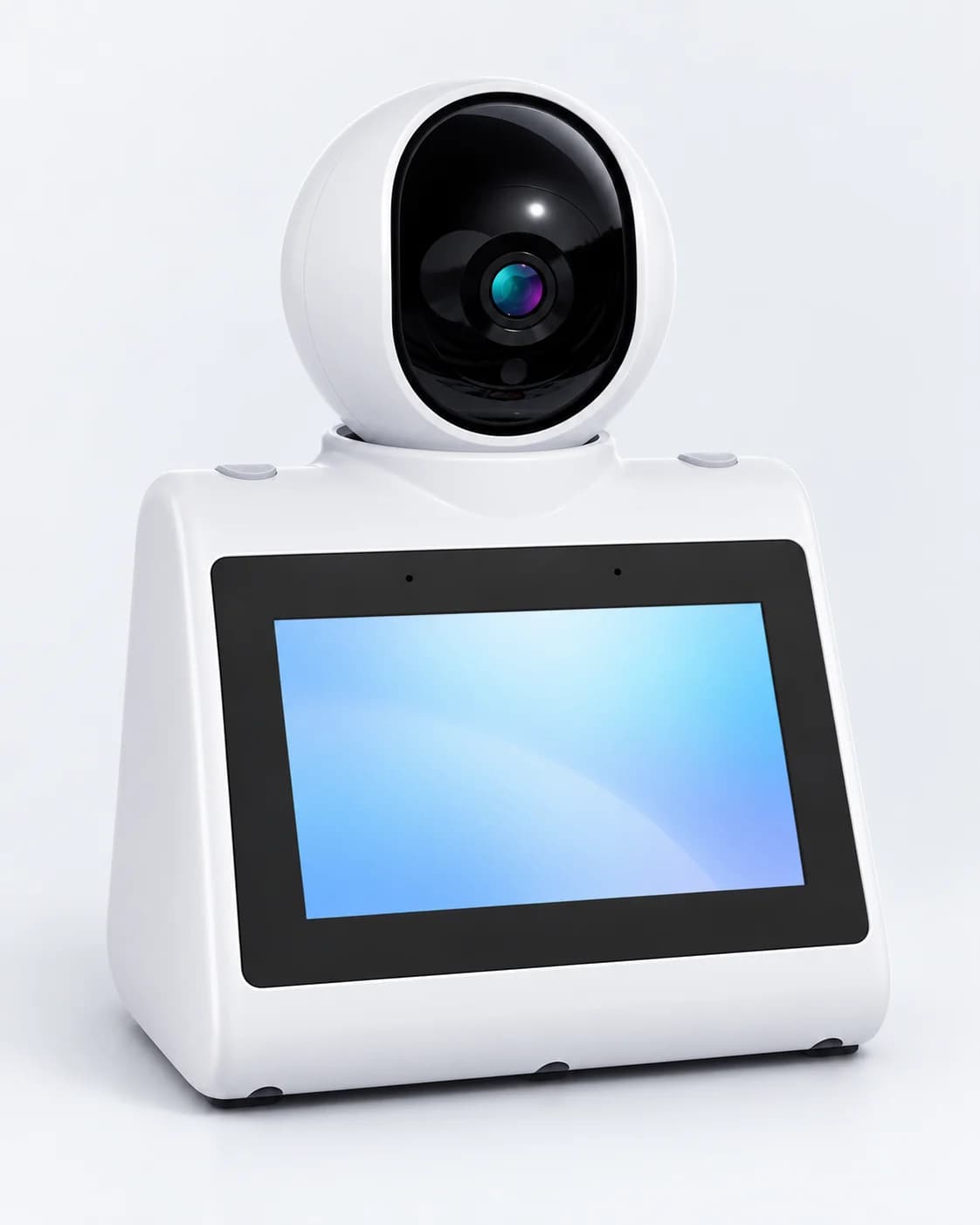
Desktop AI translators
1 model
IM CAM smart cameras
Living far away,
one press from Mom and Dad
One-touch calling and two-way video: device to device or device to phone, with customizable call buttons for Dad or Mom.


Desktop Dual-Screen AI Translator T10 Max
Two screens, back to back
The T10 Max has two 10-inch HD screens, one for each side. Speak and translate, connect and go, in smart hotels, trade companies, travel hubs and airports.
- Screens
- Two 10-inch
- Microphones
- Two noise-reducing arrays
- Languages
- 70
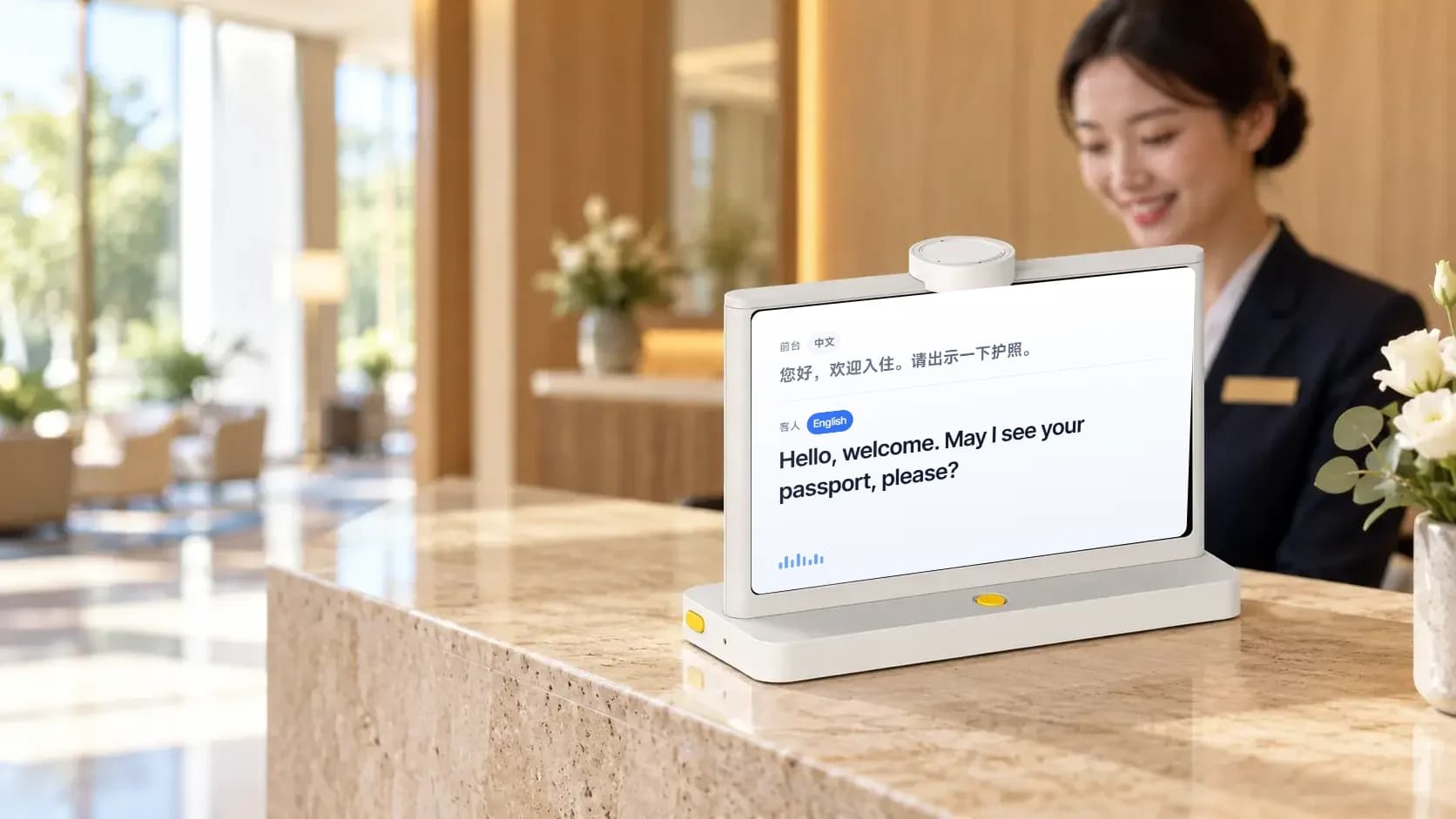

Hotel front desks
Check-in, directions, check-out

Trade meetings
Talk directly in the showroom

Airport counters
Travelers from everywhere
About Cylan
Shenzhen Cylan Technology was founded in 2005 and is headquartered in Shenzhen, China. Its core technology brings together AIoT, internet communication and large AI models, serving households and businesses.

- Founded in Shenzhen, China
- 2005
- Devices sold
- 450K+
- Active users
- 900K+
- Users served
- 1.5M+
- Countries
- 50+
Awards and certifications

International Distinguished Design Award for Sustainable Innovative Products 2026 
National High-Tech Enterprise Certificate 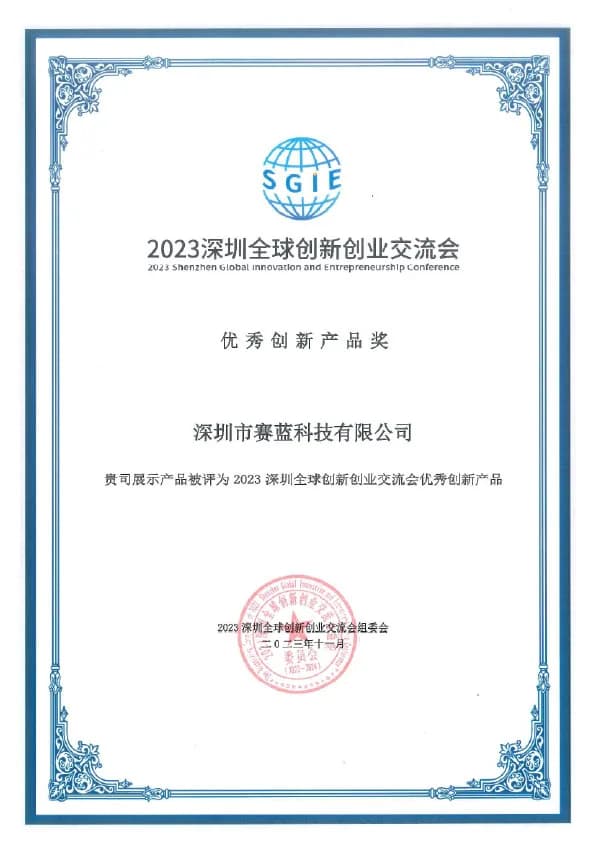
Excellent Innovation Product Award, Shenzhen Global Innovation and Entrepreneurship Exchange 
China Smart City Excellent Product Award 
RoHS Certificate 
EU Intellectual Property Office Registration Certificate 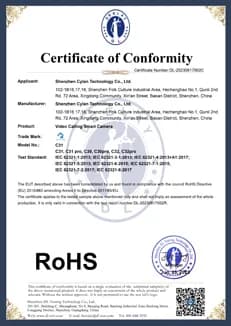
Design Patent Certificate 
Member, China Smart Home Industry Alliance 
Intel Membership 
Member, Shenzhen Internet of Things Association
Need a hand?
Watch a video, check the common questions, or contact us directly.
How-to videos
All videosTencent Cloud WeCall (TWeCall) Device Call Demonstration
0:35When the camera calls a phone, WeChat shows an incoming call alert. You can also call the camera from the WeChat Mini Program.
Common questions
All questionsWhat if device binding fails?
If binding fails, try the following:
- When entering the Wi-Fi password, choose an available network and enter the correct password.
- The device only supports 2.4 GHz networks. Do not choose a 5 GHz network.
- Make sure the Wi-Fi network you set up can reach the internet.
What if Bluetooth can't find the device?
If Bluetooth can't find the device, check these two things:
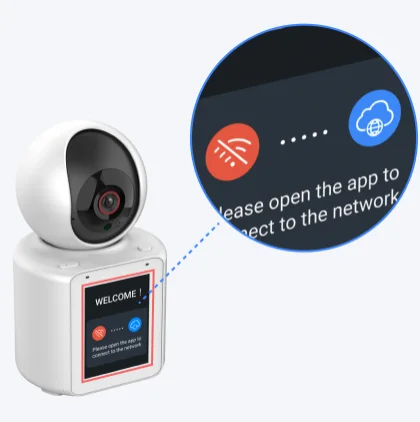
- Bluetooth is turned on on your phone.
- The device screen is in pairing mode, as shown below.
What if the device goes offline?
If the device goes offline, check the following:
- Check that the device has a strong Wi-Fi signal. If the signal is weak, move the device closer to the router.
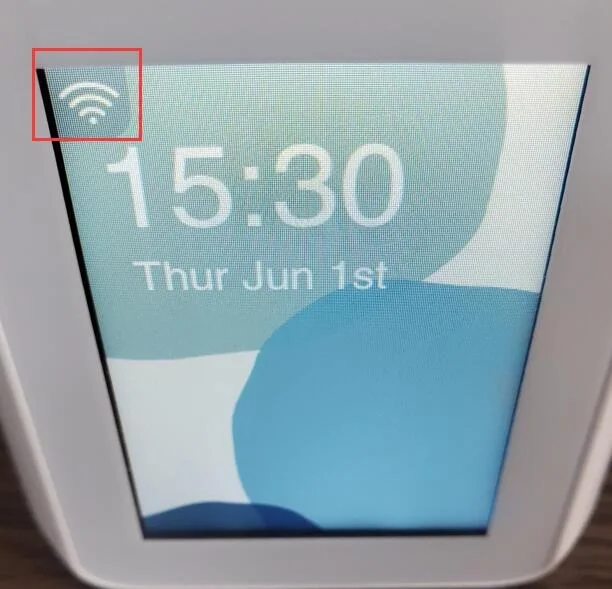
- Check that the Wi-Fi network the device is on has a stable internet connection.
- The device only supports 2.4 GHz networks. Do not choose a 5 GHz network.
- Check the power cord and adapter. If they don't match, the device may lose power and disconnect often.
What if device alarm messages aren't pushed?
Missing alarm messages usually means motion detection, alarm notifications in the app, or your phone's notification permission is turned off. Check these three things:
- To get motion alarm messages, make sure the device's [Settings] - [Motion Detection Settings] - [Motion Detection Switch] is on in the app. Motion alarms are only pushed when it's on.
- If you've allowed the app to send notifications, check that [Device Alarm Notifications] is on under [Messages] - [Settings] (top right) in the app. If it's off, no messages are pushed.
- On Android, check under [My] - [Video Call Settings] in the app that notifications are allowed. On iPhone, allow notifications for the app in system settings.